Digital BasicsBeginner
Computer Basics: Your First Steps
Never used a computer before? Start here. Learn the parts, the mouse, the keyboard and the internet.
21 lessons2h 11m of video2 quizzes1 practical task Certificate
What you'll learn
- Name the main parts of a computer and what each one does
- Use a mouse and keyboard with confidence
- Type using the home-row method
- Explain what the internet is and search Google well
- Create your own email address
- Create folders and keep files organised
Course content
Part 1. Meet the computer6 lessons
Part 2. Mouse, keyboard & typing6 lessons
- How to use a mouseby Professor Adam Morgan3 min
- Mouse, touchpad & keys for JAMB CBTby The PeakGuide12 min
- The keyboard and what the keys doby Make It Easy Education6 min
- Intro to typing: the home row keysby Miacademy & MiaPrep Learning Channel5 min
- Touch typing lesson 1: home row essentialsby Anson Alexander9 min
- Practise typing every day (free)
Part 3. The internet, Google & email5 lessons
Capstone project: Capstone project: My first email. You finish by building something real; a mentor reviews it before your certificate is issued.
About this course
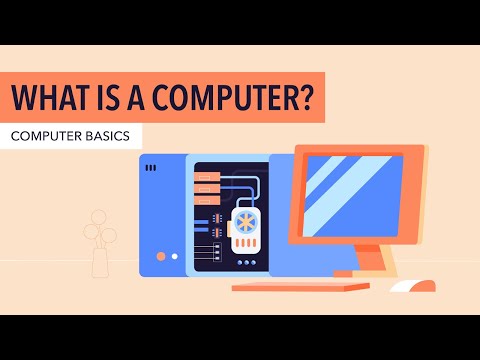
This is the very first course for anyone who has never used a computer — or who wants to feel confident with one. You'll learn what a computer is, the names of its parts, how to use a mouse and keyboard, how to type faster, how the internet works, how to search Google, how to create an email address and how to keep your files organised. Every lesson is short. Watch on a phone, a laptop or a school computer.